
🎉📚 They’re baaaack! 📚🎉
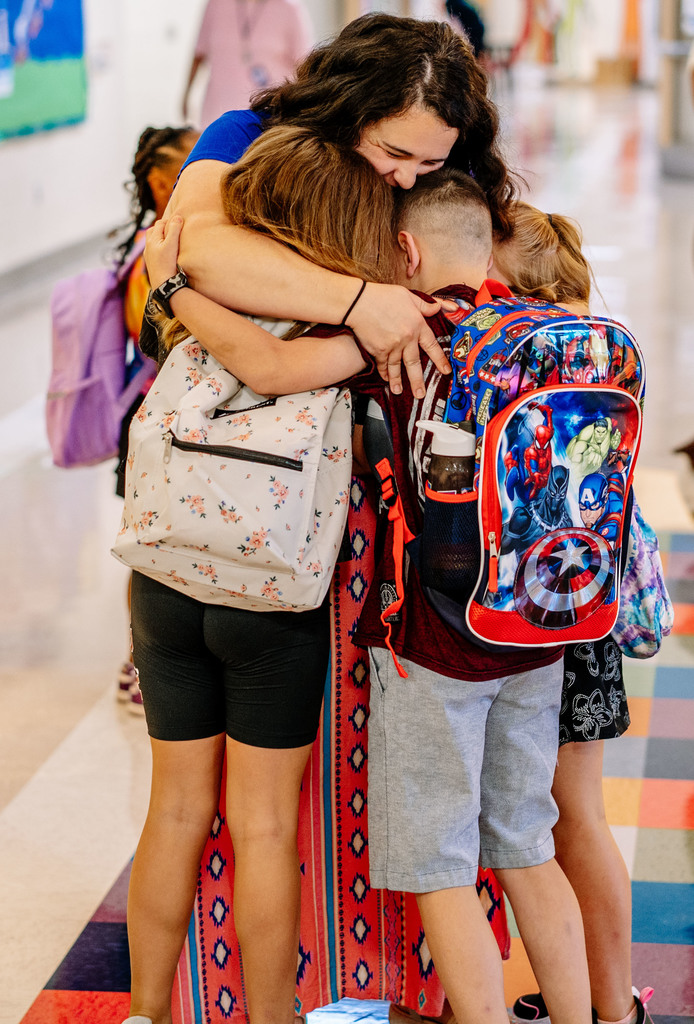
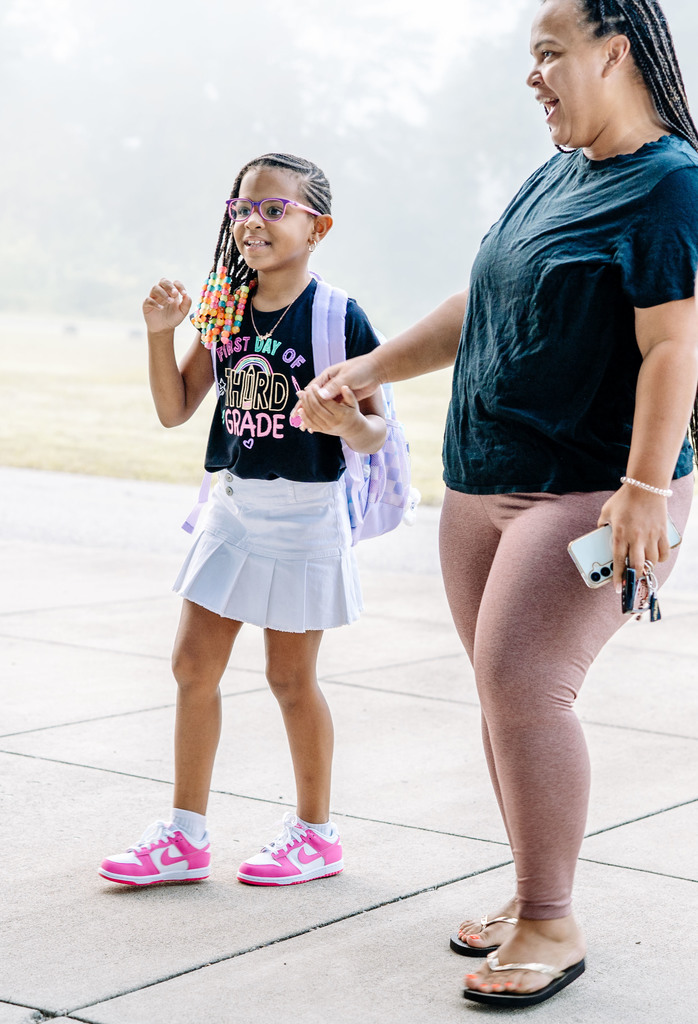
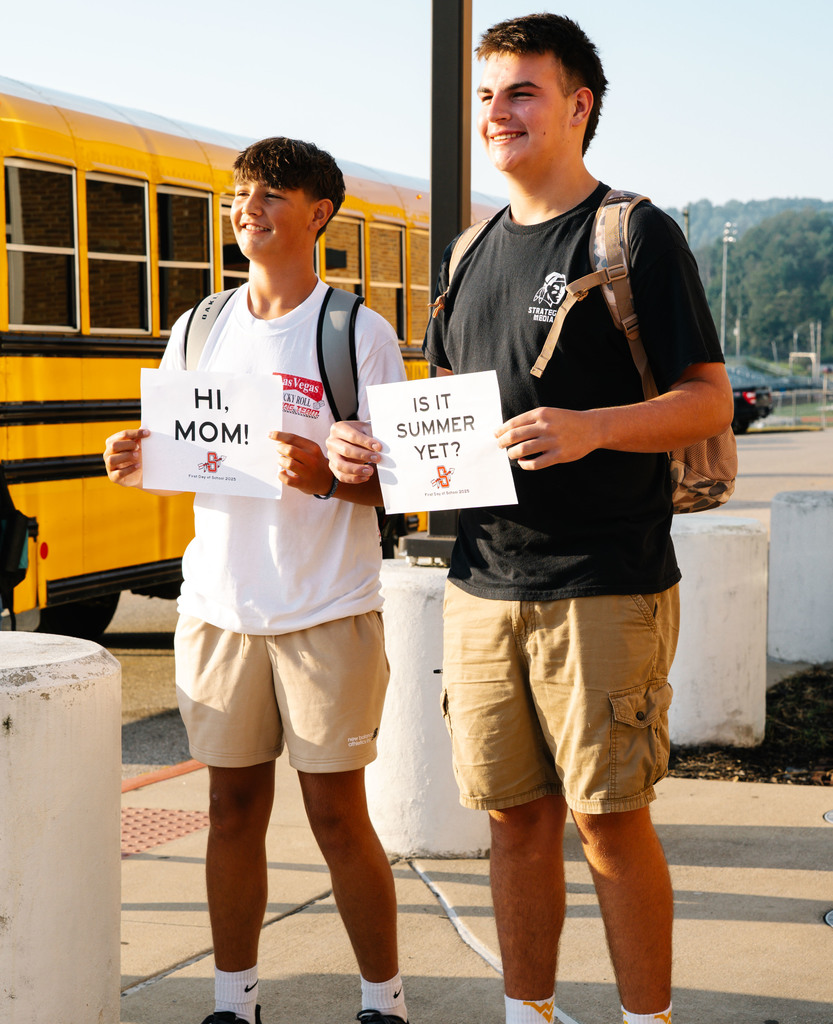
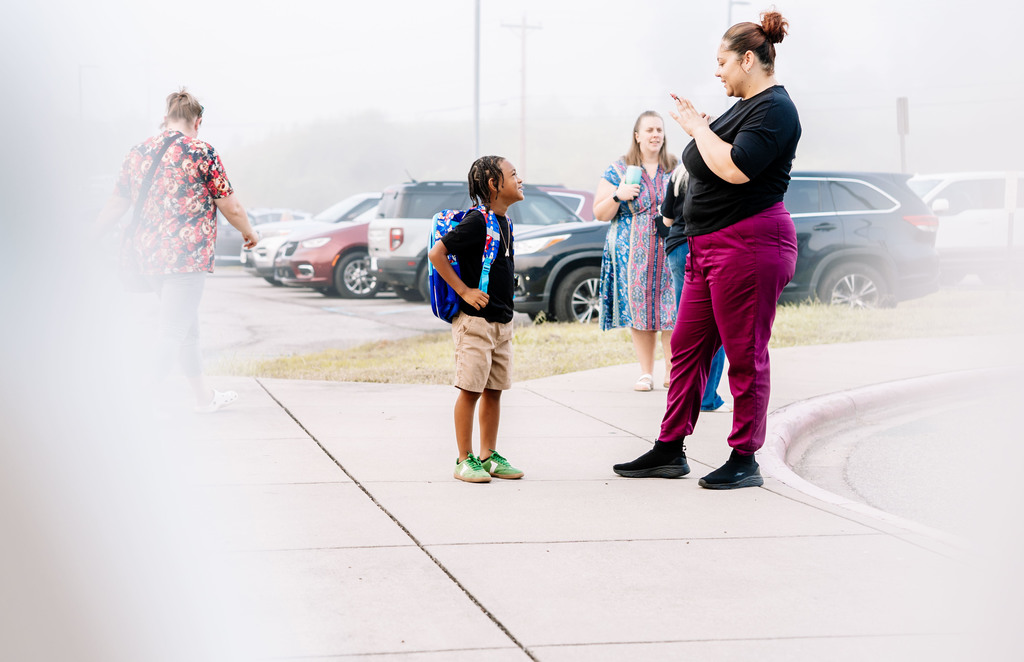
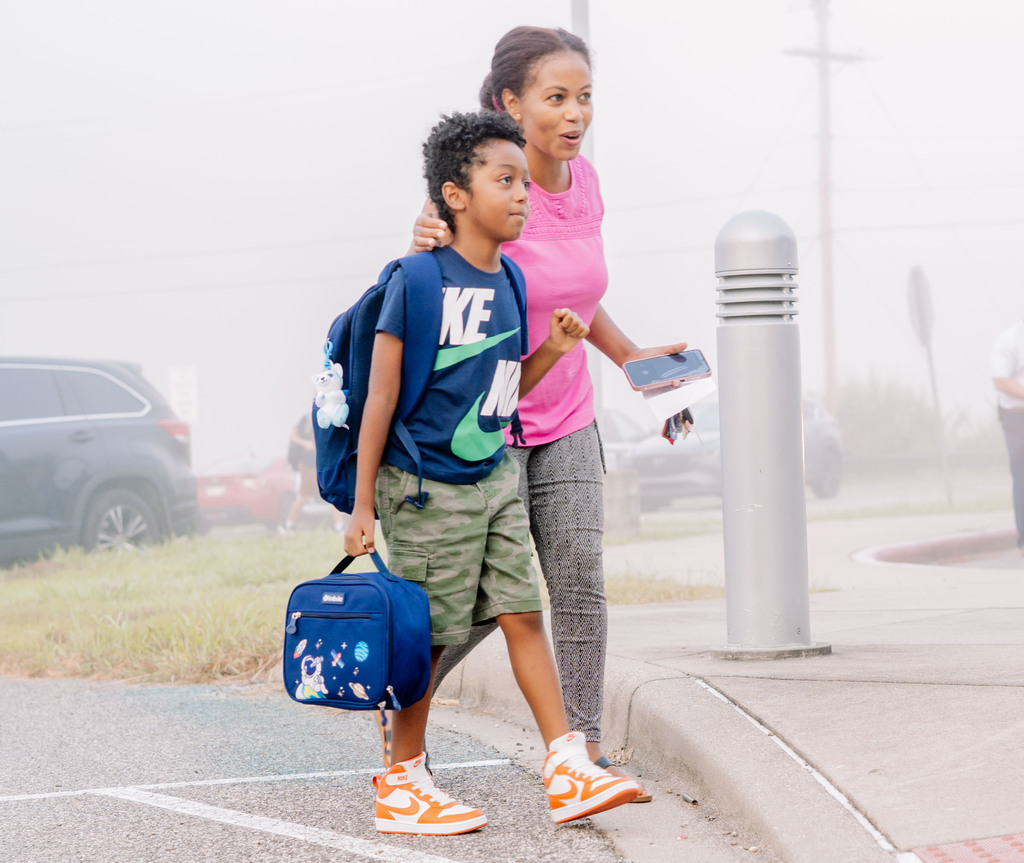
The first day of school is in full swing and our halls are buzzing with energy, laughter, and fresh new beginnings. 💙 Here’s to a year of learning, friendship, and unforgettable moments!
The first day of school is in full swing and our halls are buzzing with energy, laughter, and fresh new beginnings. 💙 Here’s to a year of learning, friendship, and unforgettable moments!




📱 New KCS App: Tips for Parents!
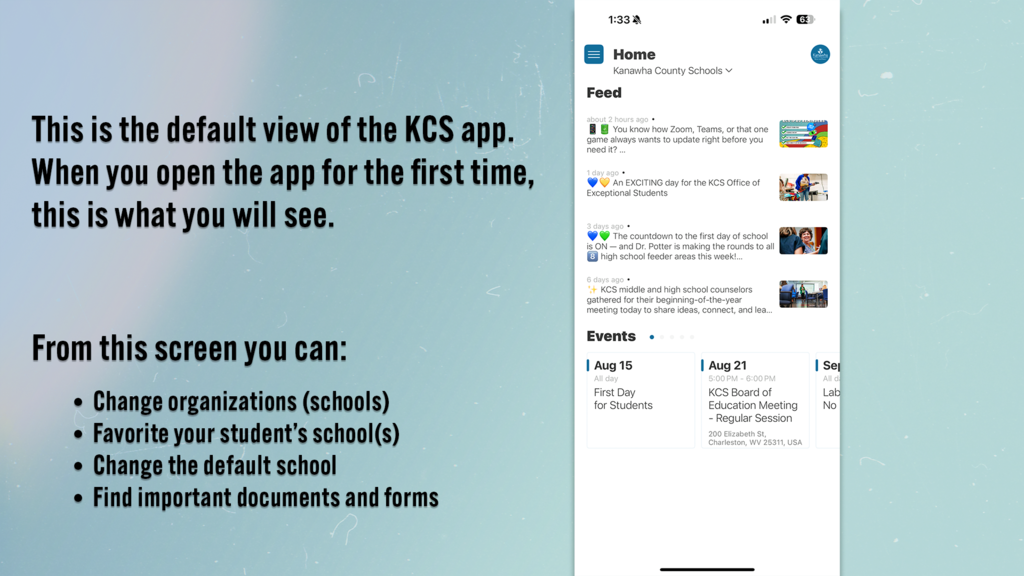
Our new KCS app makes staying connected with your child’s school easier than ever! Here are a few quick tips to get the most out of it:
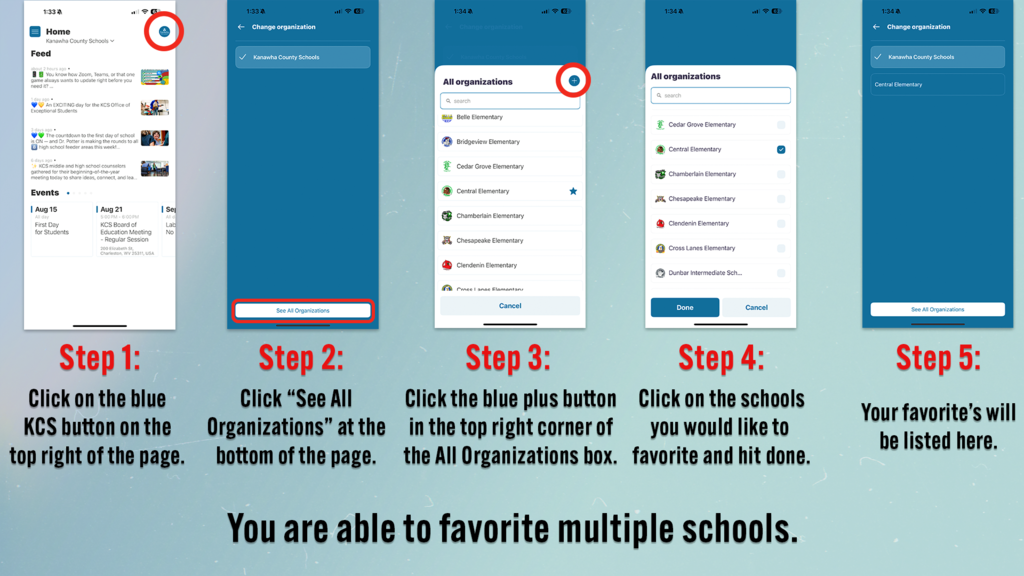
1️⃣ Favorite Your Student’s School – Make sure your child’s school is marked as a favorite so you can access it quickly. You can favorite multiple schools so you can easily flip back and forth between multiple schools.
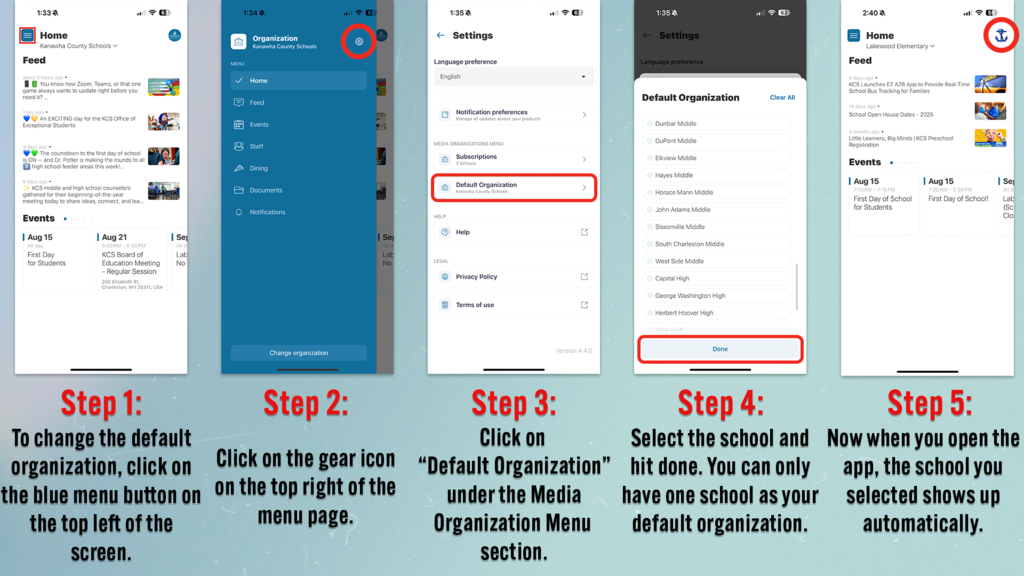
2️⃣ Set the Default School – Change your default school so when you open the app, your child’s school appears first instead of the district page.
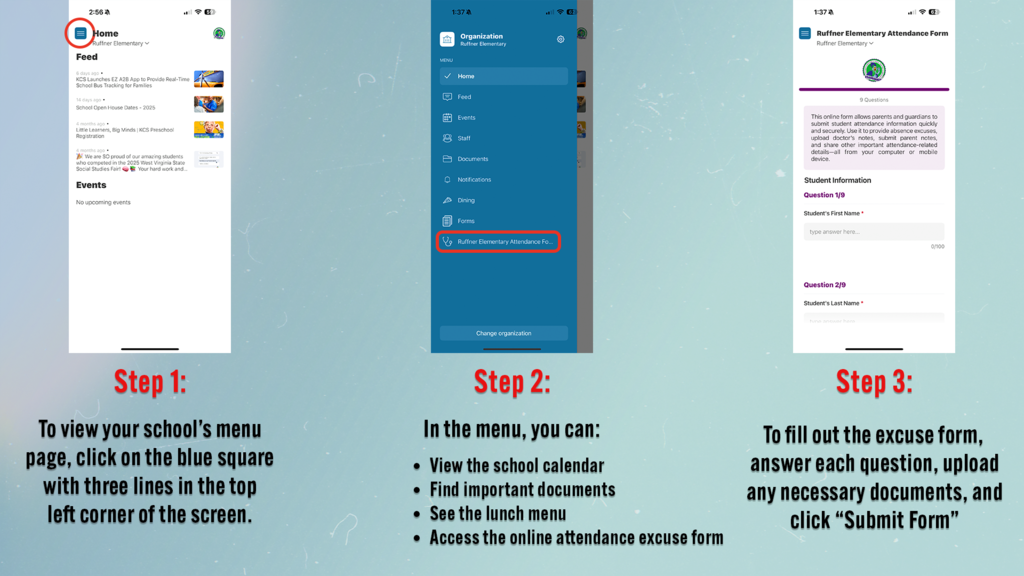
3️⃣ Explore the Menu – Find important info like documents, lunch menus, the school calendar, and the online attendance excuse form—all in one place!
Check out the images below for step-by-step instructions. 👇
Our new KCS app makes staying connected with your child’s school easier than ever! Here are a few quick tips to get the most out of it:
1️⃣ Favorite Your Student’s School – Make sure your child’s school is marked as a favorite so you can access it quickly. You can favorite multiple schools so you can easily flip back and forth between multiple schools.
2️⃣ Set the Default School – Change your default school so when you open the app, your child’s school appears first instead of the district page.
3️⃣ Explore the Menu – Find important info like documents, lunch menus, the school calendar, and the online attendance excuse form—all in one place!
Check out the images below for step-by-step instructions. 👇